世界
本论坛之外的主题。此处表达的观点和意见可能不代表本论坛及其成员的立场。
A world of content at your fingertips…
Think of this as your global discovery feed. It brings together interesting discussions from across the web and other communities, all in one place.
While you can browse what's trending now, the best way to use this feed is to make it your own. By creating an account, you can follow specific creators and topics to filter out the noise and see only what matters to you.
Ready to dive in? Create an account to start following others, get notified when people reply to you, and save your favorite finds.
注册 登录-
-
本教程使用的是Debian 13,其他同系统设备操作理应大致相同。
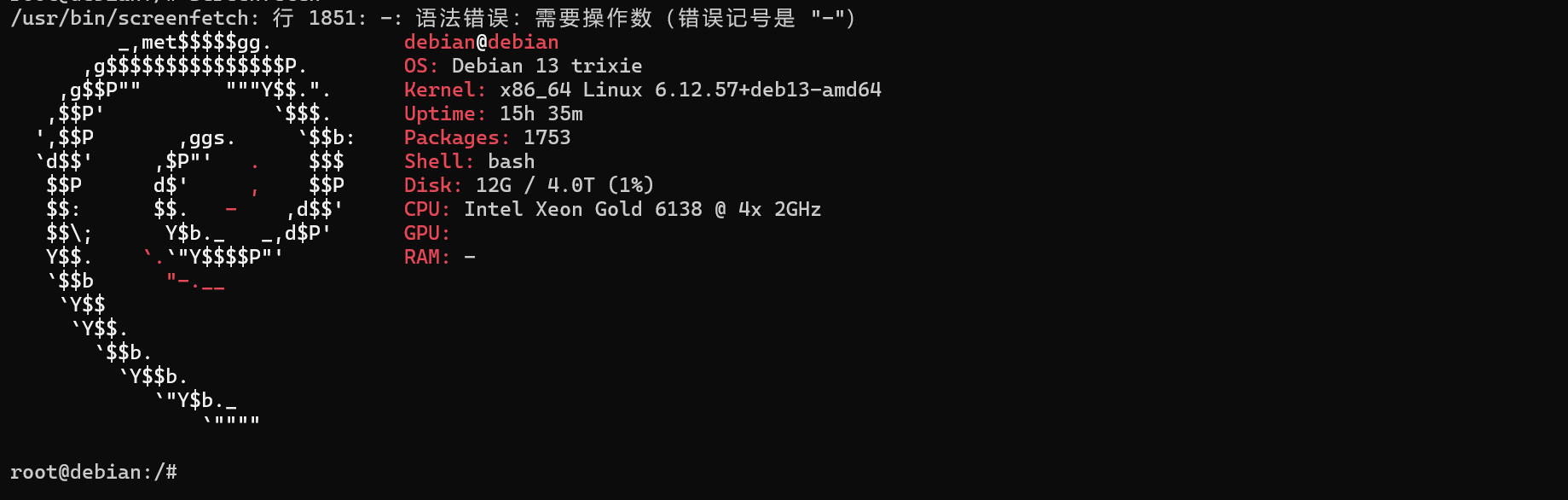
如图,我对设备的名称"debian"不满意: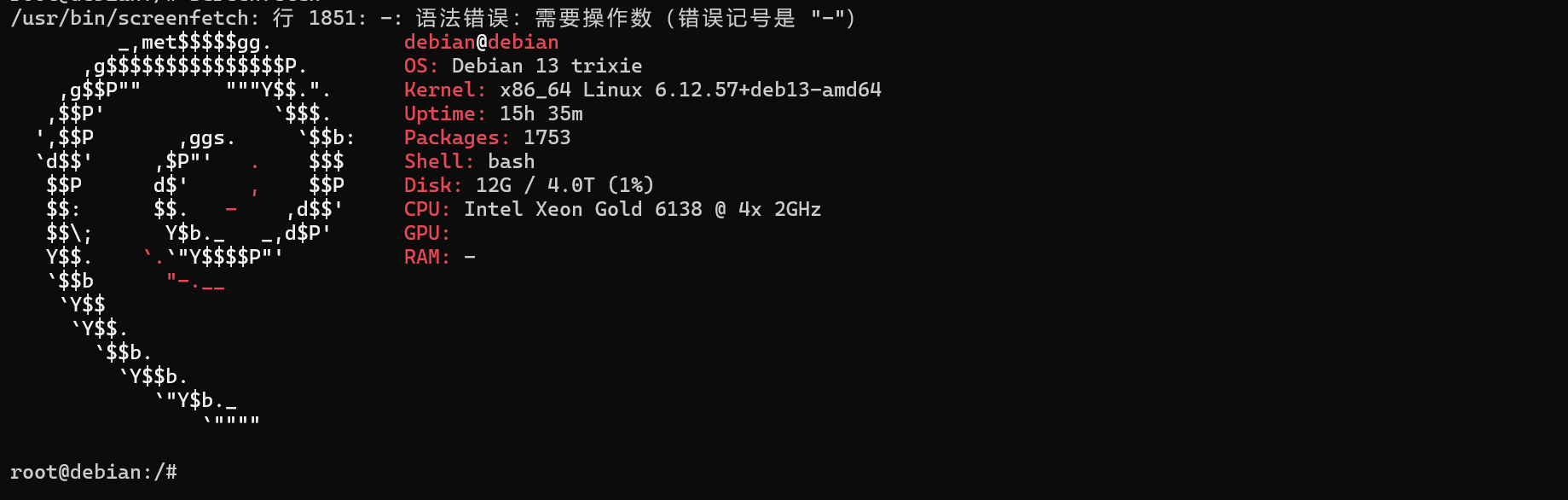
下面是教程:
打开终端,输入"su":
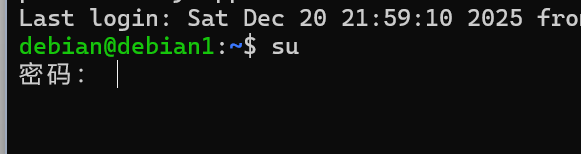
按照要求输入完毕密码以后,进入root的终端界面(图中的设备名是已经改好的,是为了做演示):使用 "nano /etc/hostname" 编辑设备名称:

进入界面以后,直接对该名称进行编辑:
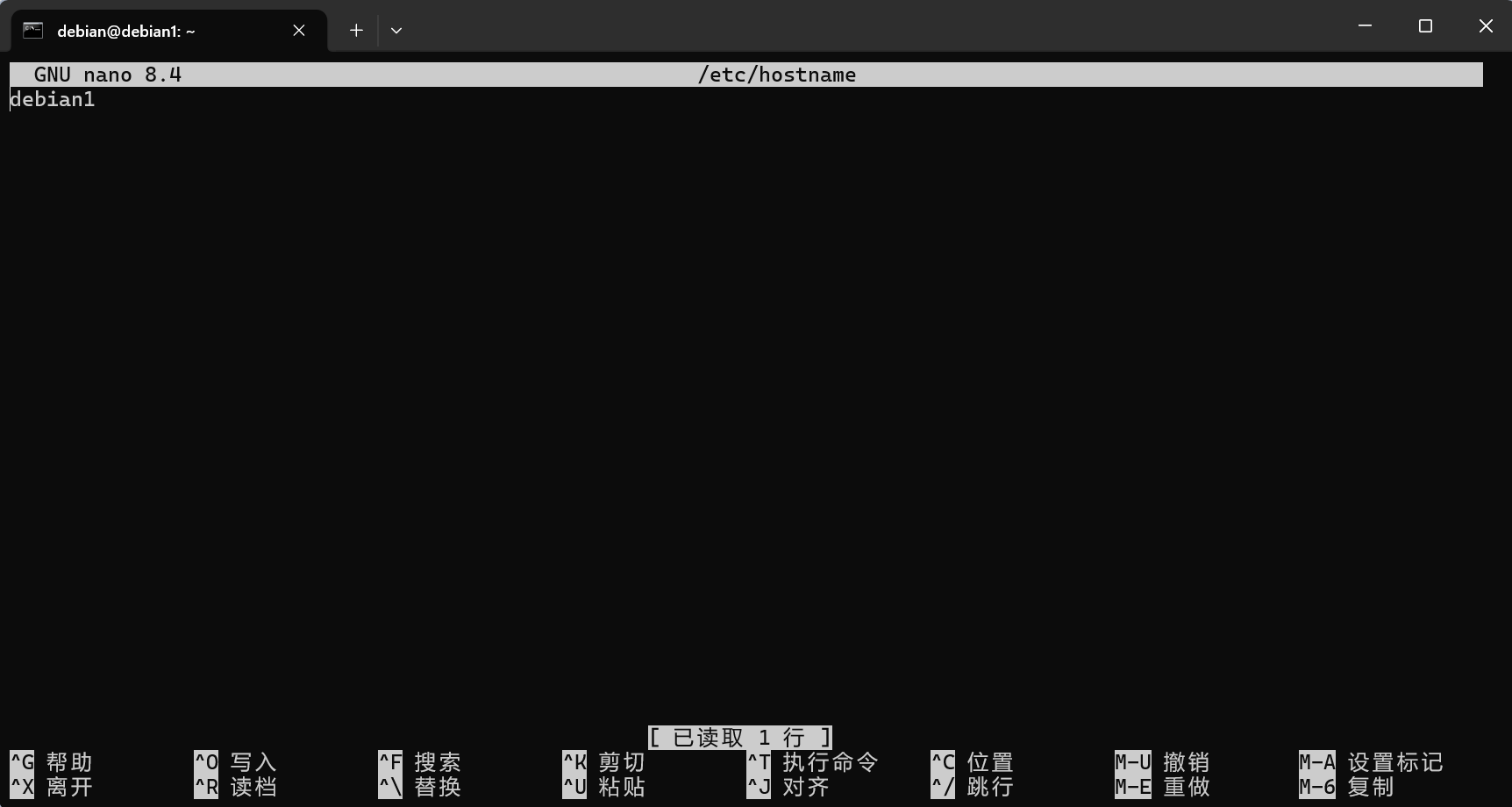
直接对这个名称进行编辑,可以比如将这里的"debian1"改成你自己喜欢的任何名称。编辑好以后,按下"CTRL+X",输入"Y",到这里还没完,紧接着再次输入"nano /etc/hosts"
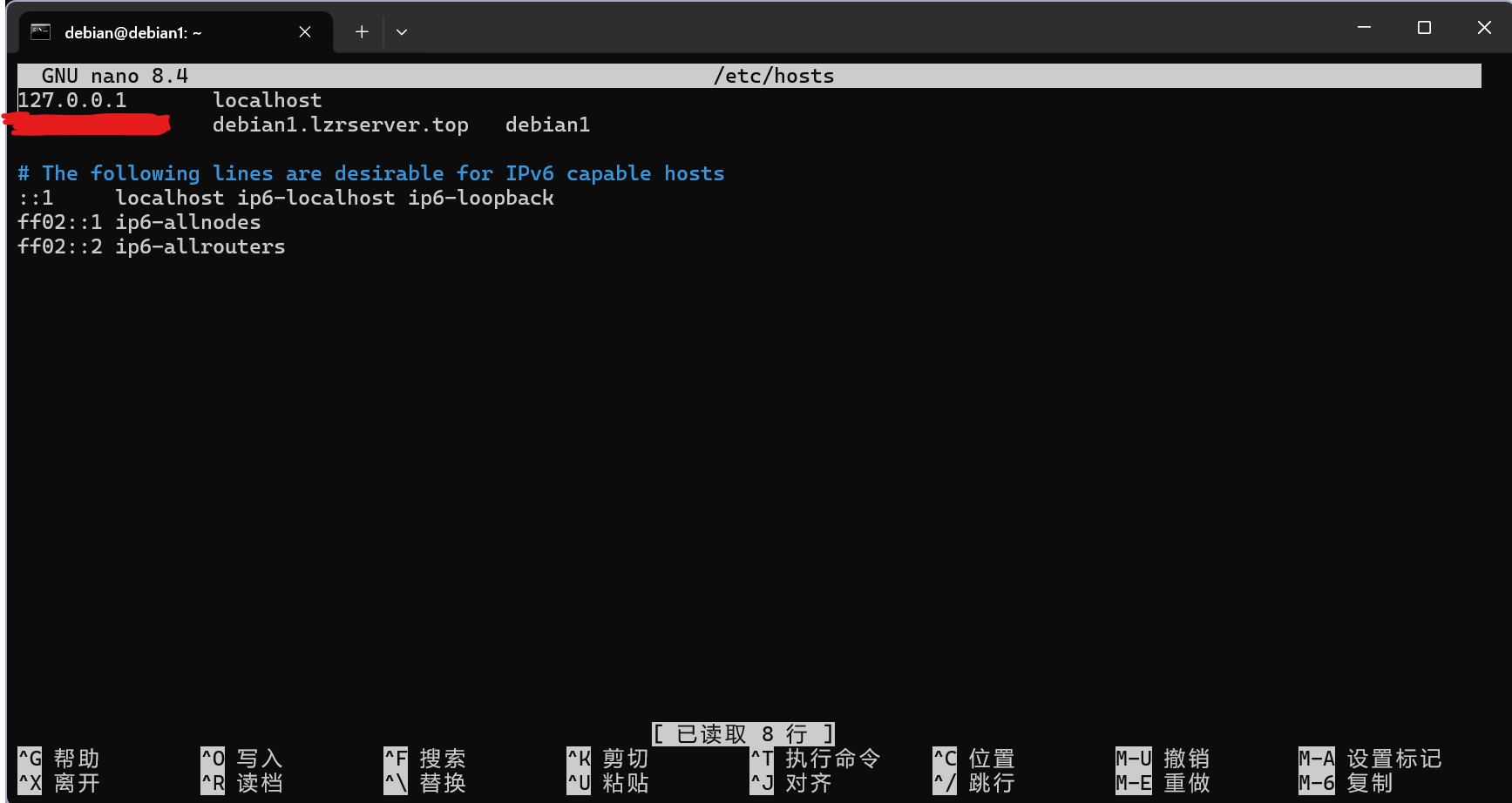
把之前对应的主机名称改成跟刚刚上面改的名称为一致,当然域名随意设置再次输入"CTRL+X",再次输入"Y"保存
-